
Chapter 6 · 6.3
Go to DirectAdmin
Watch it in a short video
DirectAdmin is the control panel for your hosting package. It's where you create mailboxes, databases and FTP accounts, for example. From My WebOké you can get there in one click, without having to log in separately.
How to open DirectAdmin
- Go to My Products.
- Click the DirectAdmin button next to your package. Or open the product page first and click Go to DirectAdmin there (1).
- DirectAdmin opens in a new tab. You're logged in straight away to the right server, with your own account.
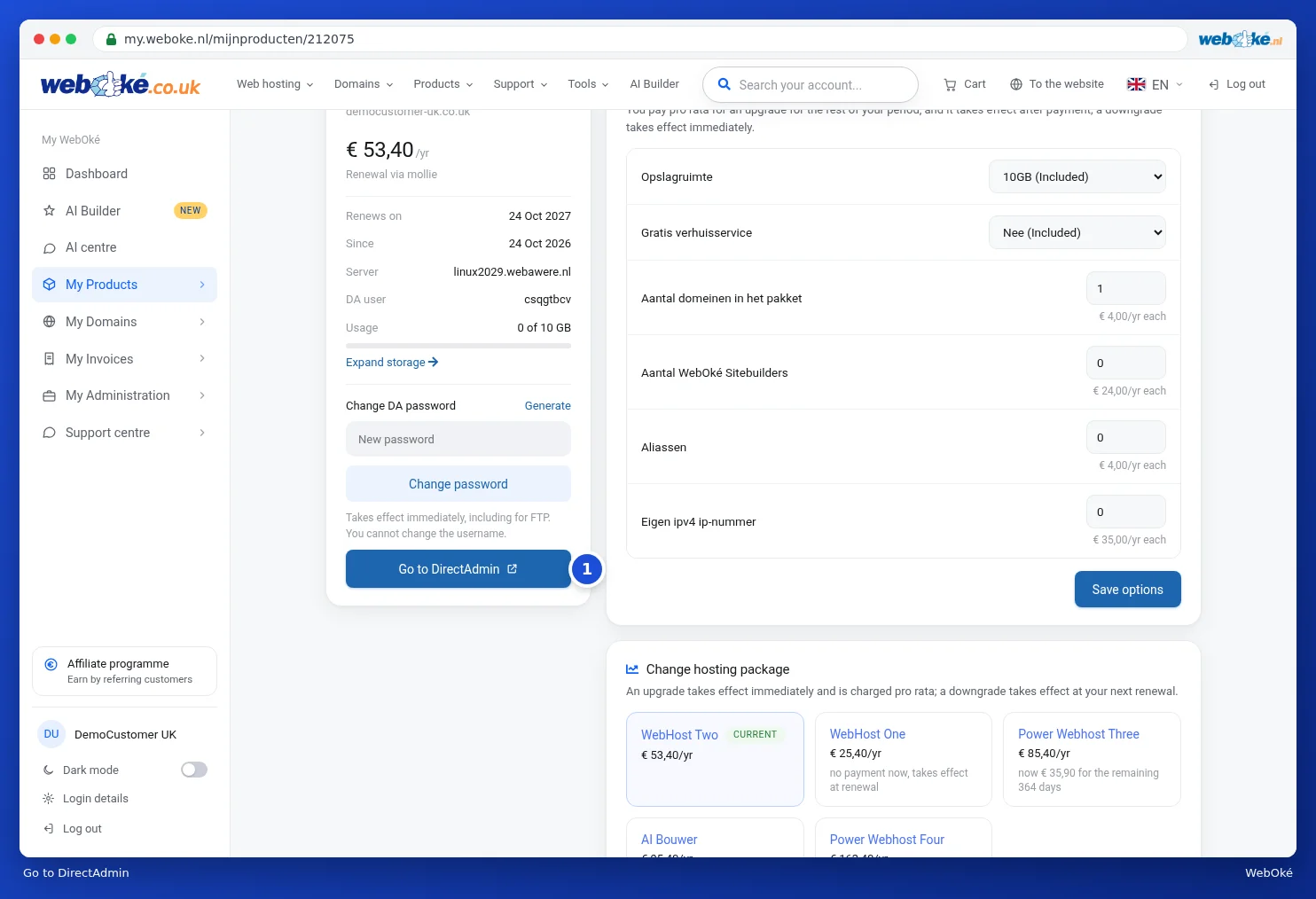
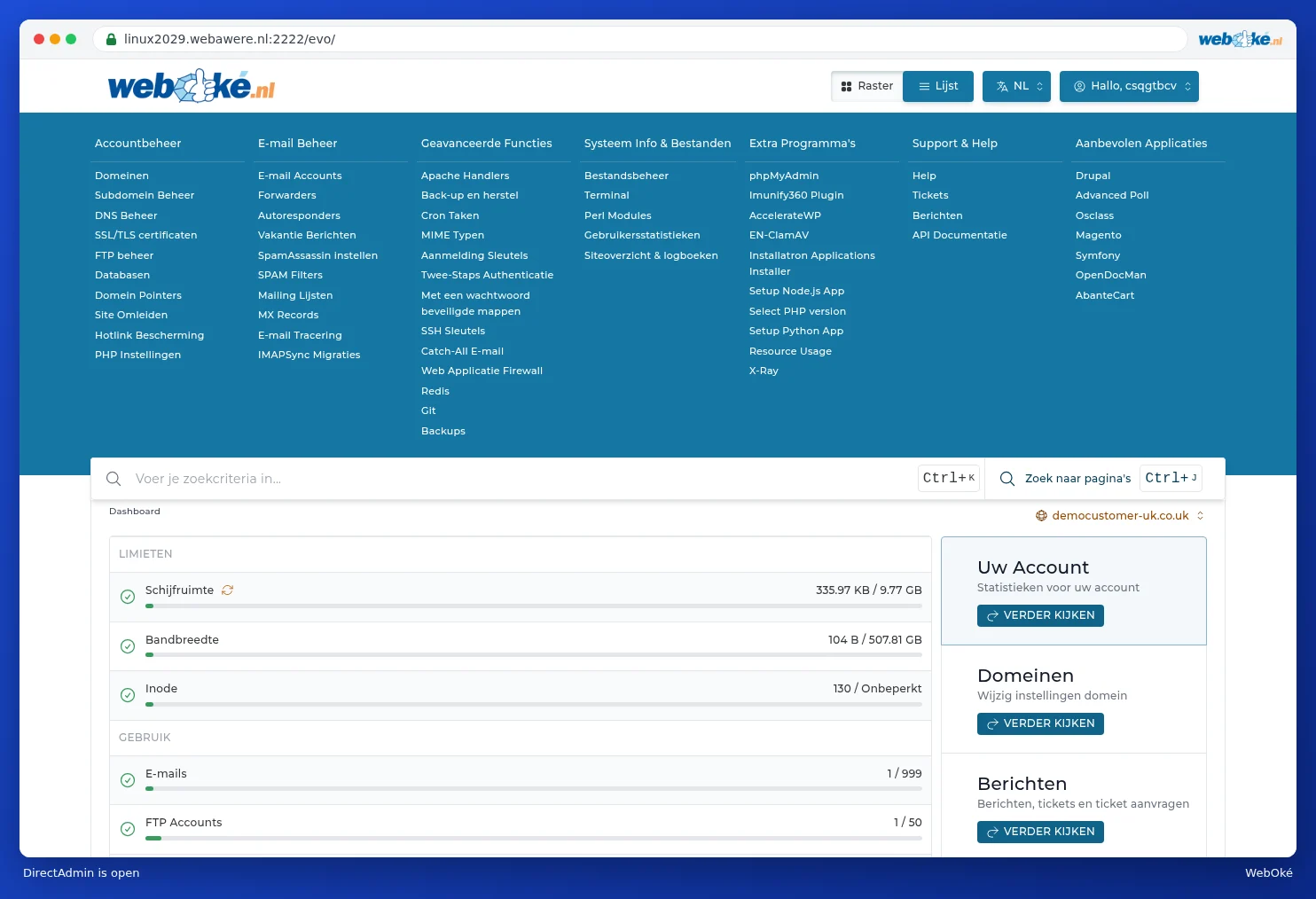
We explain everything you can do in DirectAdmin step by step in the DirectAdmin manual.
Nothing happening?
- Your browser may be blocking the new tab. Allow pop-ups for my.weboke.nl and click again.
- The button only appears for packages with a DirectAdmin account. Nextcloud, for example, doesn't have DirectAdmin.
- Are you using your own user within someone else's account? Then you need the right permissions for this, see Inviting users and setting permissions.
Tip: would you rather log in directly, for example with an FTP program? You'll find your username on the product page under DA user. You can set a new password there under Change DA password, see The product page for your hosting package.