
Website made with AI? Here's how to get your vibe-coded site online
 Danny
Danny

More and more people no longer build their website entirely by themselves with a CMS like WordPress or Joomla, but together with an AI chatbot. You describe what you want, Claude, ChatGPT or Gemini writes the code, and after some back-and-forth prompting a complete site is running on your own computer. This is now called "vibe coding": you steer towards the result, the AI handles the code.
And then that one inevitable moment arrives. The site works locally, looks good, and you ask your chatbot: "Now what? How do I get it online?" The answer is simpler than you think: a domain name, a hosting package and uploading your files. In this article we explain how that works, so your vibe-coded website is live within a few minutes.
What do you need to publish your AI website?
Three things:
- A domain name: the address where visitors find your site, such as jourdomainname.com. At WebOké you can already register a domain name for just a few euros a year.
- Web hosting: a server that serves your files to visitors 24/7. A web hosting package from WebOké starts at just a few euros a month, including a free SSL certificate and daily backups.
- Your website files: the HTML, CSS and JavaScript files your AI created for you.
Most vibe-coded websites are static sites (HTML, CSS and JavaScript) or simple PHP sites. These run on any web hosting package, without complicated server configuration. You don't need a Node.js server, Docker or a complicated cloud platform.
Putting your website online via FTP: the simplest route
The classic method still works best for this kind of site: uploading via FTP. Here's how you do it:
- Order a hosting package and receive your login details.
- Download a free FTP program like FileZilla, or use the file manager in the DirectAdmin control panel, then you don't need to install anything.
- Connect to the server with your FTP details.
- Upload your website's files to the
public_htmlfolder. Make sure your homepage is namedindex.html(orindex.php). - Done. Your site is live on your domain name, automatically secured with SSL (https).
Not sure which files you need to upload? Just ask your chatbot: "Which files from my project should I upload to public_html?" The AI that built your site knows exactly how the project is structured and is familiar with our DirectAdmin control panel.
More advanced: let your AI work directly on the server via SSH
Vibe coding doesn't stop once your site is online. You'll want to keep adjusting texts, add a page, fix something. Adjusting locally and re-uploading every time works fine, but it can be smarter.
From our Power Webhost Three package onwards, you get SSH access to your hosting account. This means that AI tools that run in the terminal on your computer, such as Claude Code, OpenAI Codex or Gemini CLI, can connect directly to the server. Your AI assistant then edits the code right where your site runs:
- Changes go live immediately, without manual uploading.
- Your AI can read files on the server, edit them and track down errors.
- You can also use the terminal to, for example, use Git to keep your code neatly maintained.
This way, your hosting account becomes an extension of your vibe-coding workflow: you prompt, the AI adjusts the live site.
Which package suits your vibe-coded site?
For most AI-made sites, an entry-level package is more than sufficient: the files are small and static sites are lightning fast. If you're just starting out, WebHost One or WebHost Two will suit you well, and you upload via FTP or DirectAdmin. Want your AI assistant to be able to work directly on the server via SSH? Then choose Power Webhost Three or higher. All packages have a 30-day trial period and grow with you, upgrading is always possible.
Ready to put your site online?
You can arrange a domain name and hosting within a few minutes. Ordered today, online today.
Frequently asked questions about hosting AI-made websites
My chatbot recommends a cloud platform. Do I need that?
For a static or PHP site, usually not. Classic web hosting offers exactly what you need and is simpler, cheaper, and comes with email on your own domain, daily backups and Dutch support. Cloud platforms are mainly intended for apps that run their own server process.
My AI created a React/Vite/Next.js project. Does that work too?
Yes, in most cases it does. Ask your chatbot to create a "production build" or "static export" (for example with npm run build). Upload the resulting folder (often dist or out) to public_html.
Can I also use a database?
Sure. Every package includes MySQL databases (MariaDB), which you can easily create in DirectAdmin. Handy if your AI built a site with PHP and a database.
Do I still need a separate domain name?
Yes, without a domain name your site can't be reached. If you don't have one yet, register it directly with us, then hosting and domain are immediately properly linked and you don't need to configure anything yourself.
I'm stuck. Do you also help if my site was made by an AI?
Of course. It doesn't matter to us who or what built your site. Can't figure out uploading, your domain or your DNS settings? Feel free to send our support team a message, we're happy to help you get started.
Read next articles
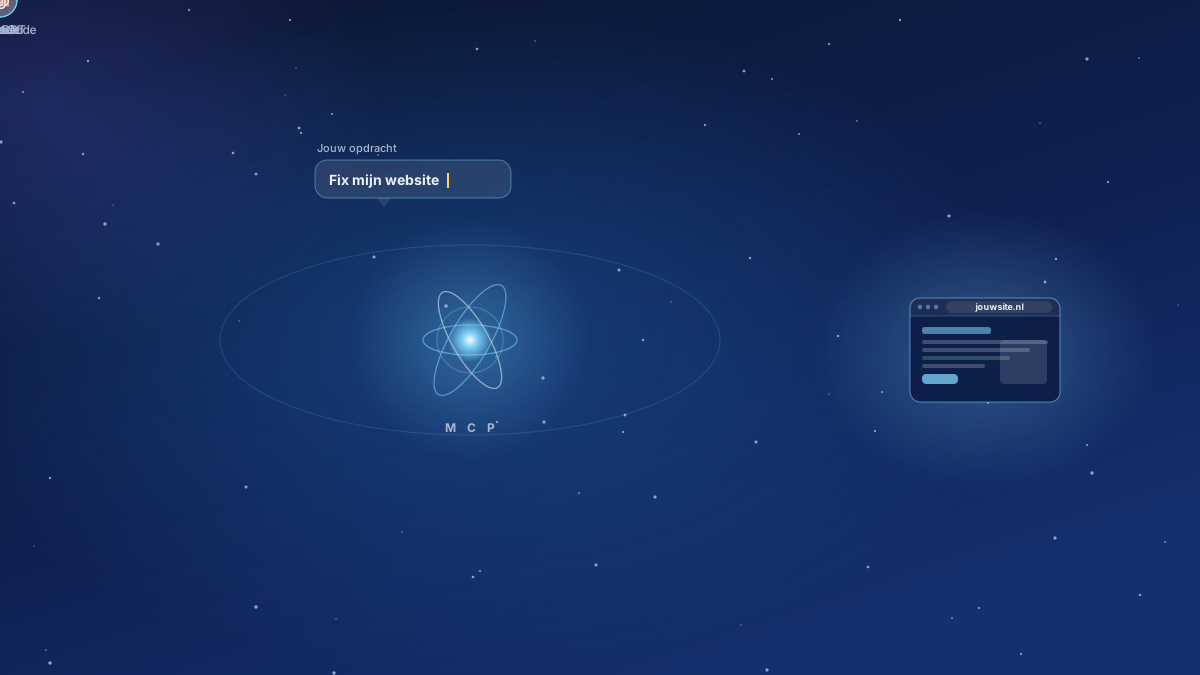
Nieuw: MCP server voor AI. Laat je eigen AI aan je website werken
Je AI kan nu rechtstreeks aan je website bij WebOké werken: bestanden aanpassen, fouten opsporen, een nieuw ontwerp maken of WordPress omzetten naar een snelle statische site. We leggen uit wat een MCP server is, wat het je oplevert, voor welke pakketten het geldt en wat het kost (niets extra's).
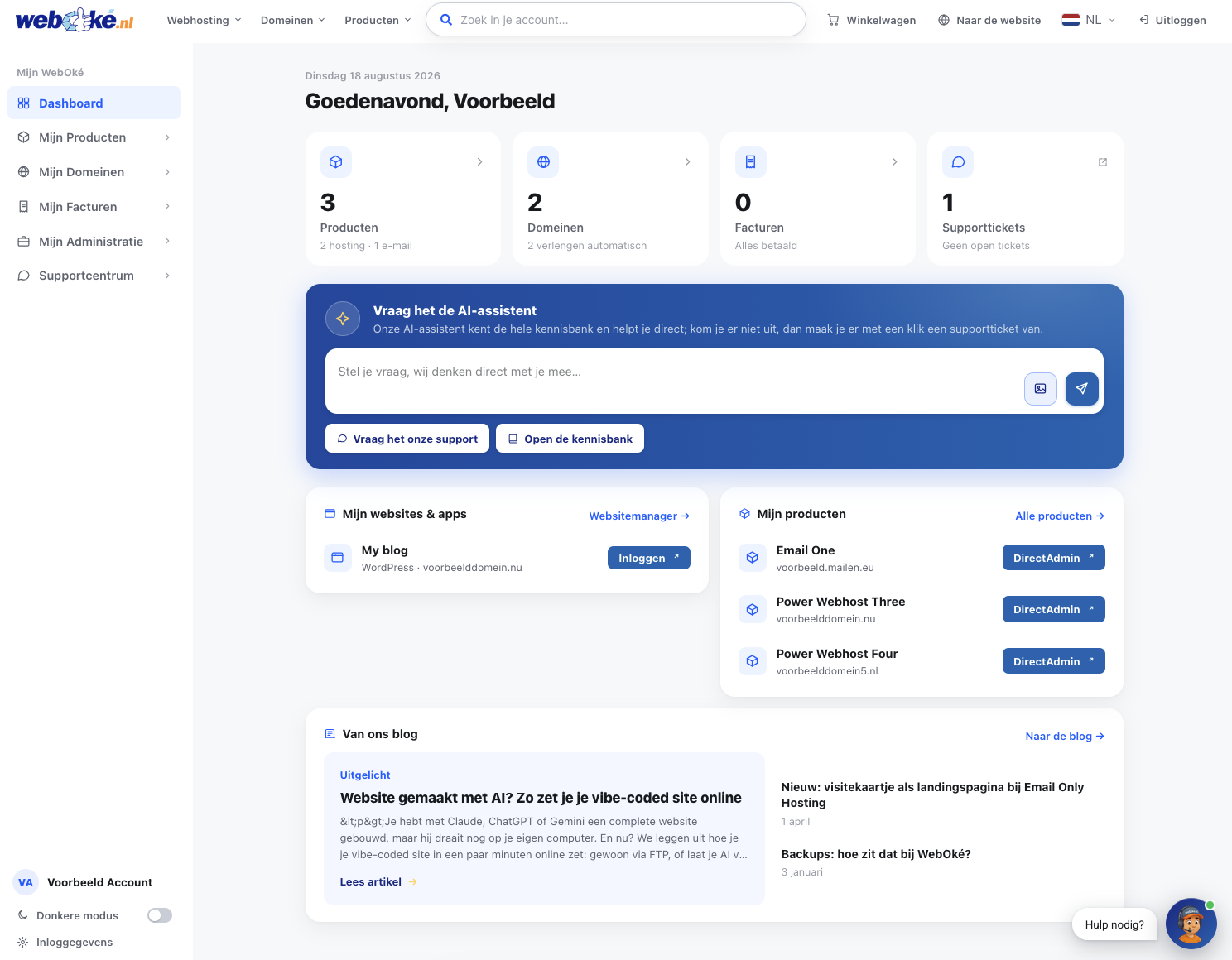
Onze nieuwe website en Mijn WebOké: waarom we alles zelf hebben gebouwd
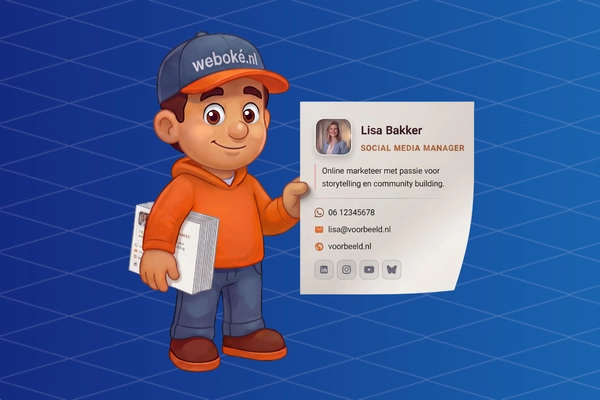
New: business card as landing page with Email Only Hosting
Now create a simple and informative landing page with a business card that you can display on the domain name you use for your Email Only package.
This way, you can get rid of the standard 'website under construction' page and publish useful information about yourself or your business.
