
New: business card as landing page with Email Only Hosting
 Danny
Danny
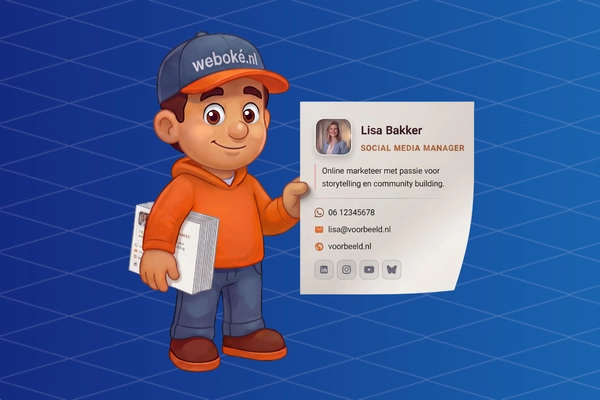
Emailing with your own domain name is becoming more and more popular, and there are many good reasons for this.
- Recognizability: use the part after the @ to tell more about who you are or what you represent.
- Freedom: with your own domain name, you can host your Email Hosting with a provider of your choice. Of course we'd love for you to choose us, but if at some point you get tired of us? Then you simply move your domain name and mailboxes to another provider. No vendor lock-in.
- Privacy: unlike when you email with a free mailbox such as @gmail.com, @outlook.com or @hotmail.com, you don't pay with your data. The free mail provider reads your mail, indexes it, and uses this to build an (advertising) profile of you. With Email Hosting at a reliable provider you pay for, you always keep control over your own data. You know where it's stored and nobody just reads along.
- Professionalism: as a business, emailing with a free @gmail.com, @outlook.com or @hotmail.com address really isn't done anymore. Your own domain name radiates trust and professionalism.
But suppose: you have a domain name with Email Hosting, you use it for your email and you don't need a website. What does someone see if they still take a look at that domain? Usually a blank page, a default page from the hosting provider, or an error message. A shame, because that domain name could actually do something useful.
That's why we developed an online business card: a low-threshold way to still show useful information on the domain name you use for your email.
What is the online business card?
We've added an option to all new Email Only packages* that lets you display a business card as a landing page on your domain with just a few clicks.
We've made this as simple as possible. Go to My Products, click on your Email Hosting package and choose which fields with information you want to fill in. As soon as you click save, the business card is published immediately.
* Do you still have an old Email Only package and want to use the business card? Just submit a ticket and we'll convert the package for you.
What can you show in the business card?
- Name and job title, for example "Petra Janssen, Graphic Designer".
- Profile photo and company logo.
- Short description about yourself or your company (maximum 350 characters).
- Contact details: phone, email, website, WhatsApp, Signal and address details.
- Social media: LinkedIn, Instagram, Facebook, YouTube, X, Bluesky, TikTok, Pinterest and GitHub.
- Call-to-action button with your own text and link, for example "View my portfolio" or "Schedule an appointment".
- Color and theme: an accent color of your choice, and a dark or light design.
Everything is optional: you fill in what you want to show and leave the rest blank. You can always make changes; save the form again and the page is updated instantly.


Want to try it yourself?
Our website has an interactive demo where you can fill in all the fields and see the result instantly.
Already an Email Only customer at WebOké?
Log in to your WebOké account, go to My Products and click on your Email Hosting package. There you'll see the fields you can fill in for the business card right away. Fill them in and save the business card to publish it immediately.
Not a customer yet?
Email Hosting with WebOké starts from just 1.95 euros per month. You get your own email address on your own domain name, and the online business card is included as standard. Perfect for both business and personal use.
Read next articles
Nieuw: MCP server voor AI. Laat je eigen AI aan je website werken
Je AI kan nu rechtstreeks aan je website bij WebOké werken: bestanden aanpassen, fouten opsporen, een nieuw ontwerp maken of WordPress omzetten naar een snelle statische site. We leggen uit wat een MCP server is, wat het je oplevert, voor welke pakketten het geldt en wat het kost (niets extra's).
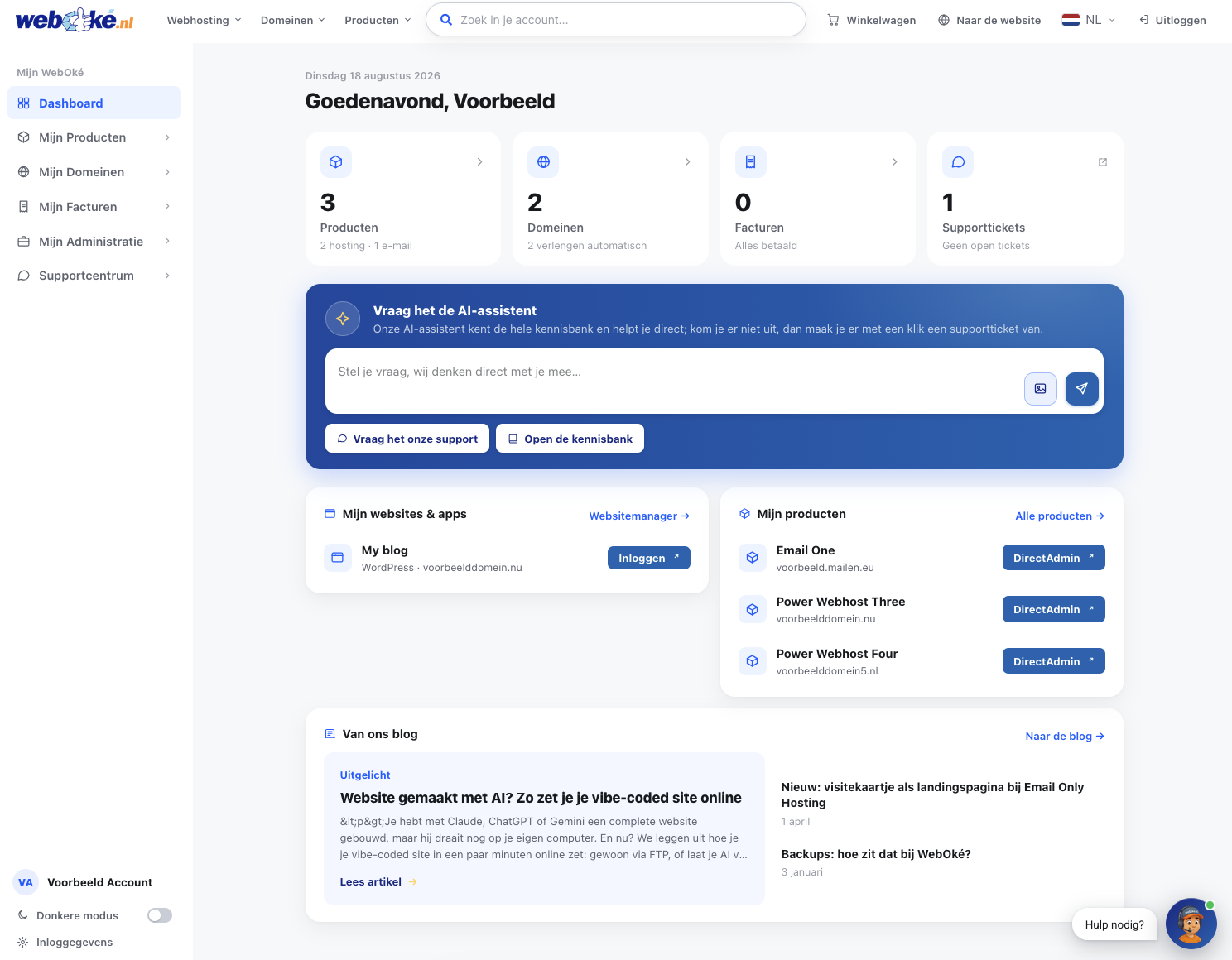
Onze nieuwe website en Mijn WebOké: waarom we alles zelf hebben gebouwd

Website made with AI? Here's how to get your vibe-coded site online
You've built a complete website with Claude, ChatGPT, or Gemini, but it's still running on your own computer. So now what? We'll explain how to get your vibe-coded site online in just a few minutes: simply via FTP, or let your AI work directly on our servers via SSH.
