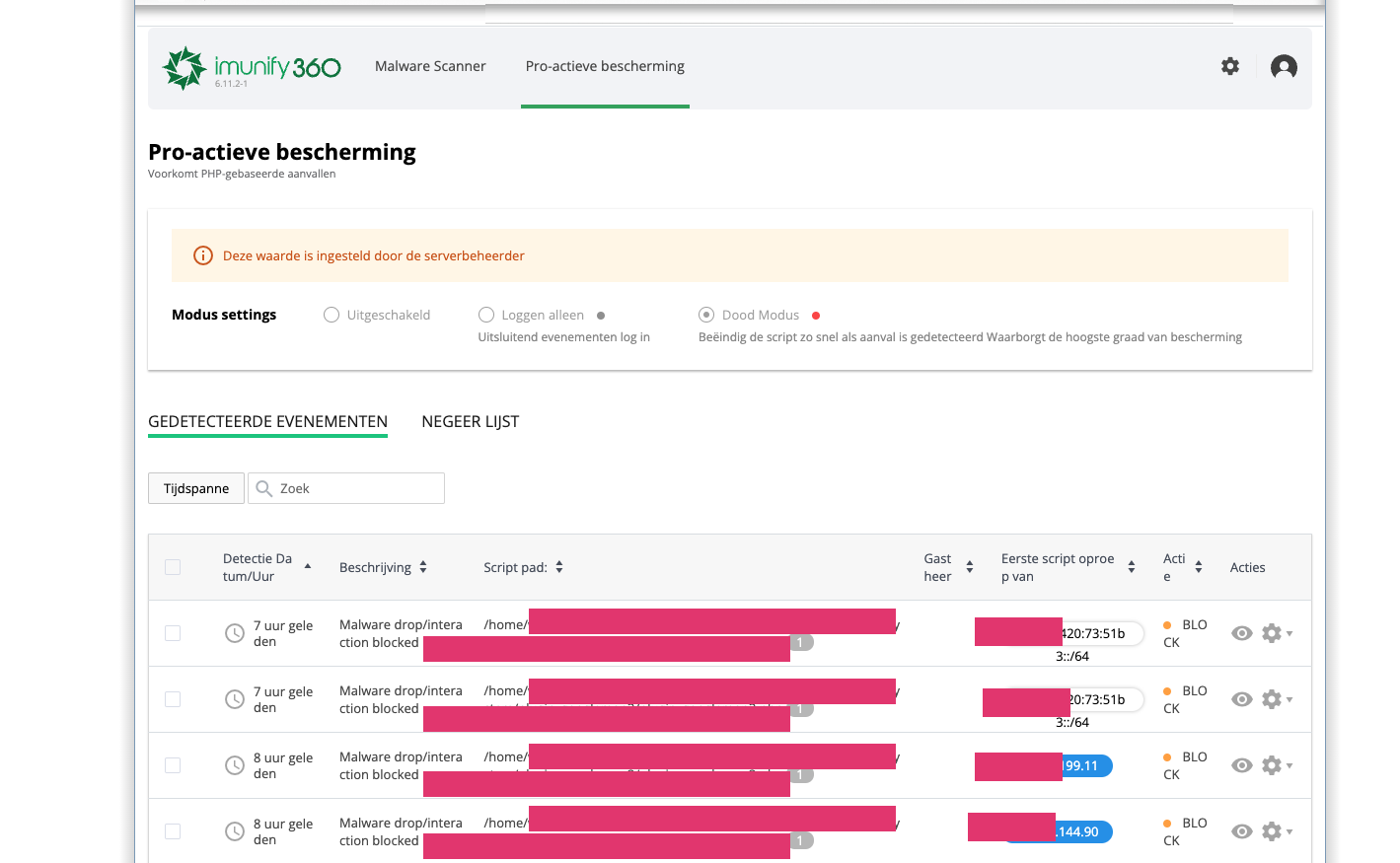
Imunify360 scanner
Since 23 March 2023 we have been testing the Imunify360 scanner.
Imunify360 is an all-in-one platform for securing and managing web hosting servers. It offers an extensive set of security features and tools to protect web hosting servers against a wide range of threats, including viruses, malware, spyware, brute-force attacks and other cyberattacks.
Imunify360 is designed to integrate seamlessly with DirectAdmin. It includes a powerful firewall that monitors incoming and outgoing traffic and filters server traffic to block potential threats. It also provides real-time security alerts and notifications for administrators, so they can respond quickly to security incidents.
Other important features of Imunify360 include:
-
Malware scanner: a powerful scanner that regularly scans the server's files and folders for possible malware and viruses.
-
Intrusion Detection and Protection System (IDPS): an advanced system that detects suspicious behaviour by users and attackers and prevents them from gaining access to the system.
-
Proactive defence: Imunify360 uses machine learning algorithms to learn from previous attacks and uses this knowledge to identify and block future threats.
-
Patch management: Imunify360 keeps the software and applications on the server up to date with the latest security patches.
All in all, Imunify360 is a powerful and comprehensive security platform specifically designed to protect web hosting servers against the ever-changing threats of the internet.
If Imunify360 blocks something, you can find it in your control panel in the Imunify360 menu. You may also see lines in the Apache/LiteSpeed log files showing that the scanner has blocked something. If you wish, you can also check this yourself via the control panel.
ModSecurity: Access denied with code 403, [Rule: 'TX:RBL_IP' '!@rbl nxdomain.v2.rbl.imunify.com.'] [id "33320"] [msg "IM360 WAF: Block Joomla spammers||T:LITESPEED||"] [severity "CRITICAL"] [tag "service_bruteforce"] [tag "service_i360"] [hostname "XXXX.com"] [uri "/en/contact"], referer: https://xxxx.com/en/contact/